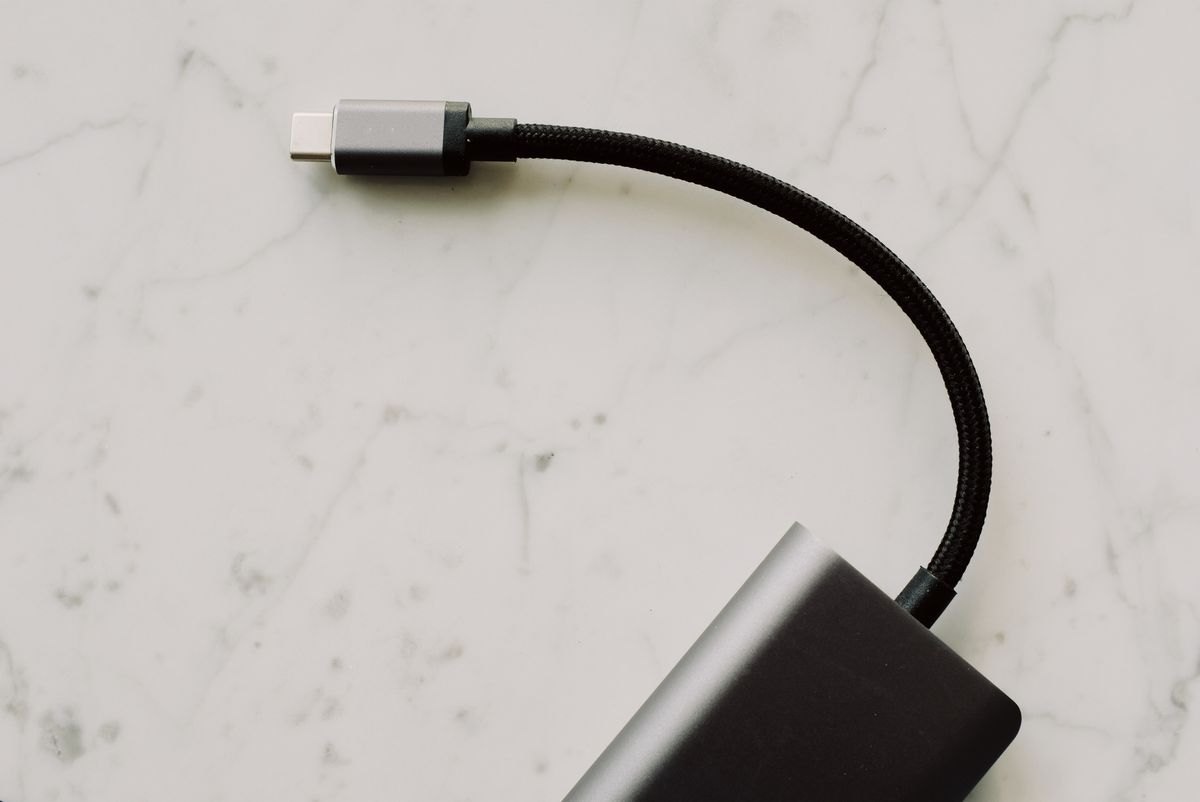
A cable that fits a socket is not automatically the cable you want for an outage. It may charge slowly, work only with a particular source, or be damaged enough to fail when bent. Sorting this out in advance is easier than trying every cable in the drawer while a phone battery runs down.
Begin with both ends of the connection. Record the port on the device and the port on the backup battery or charger. USB-A to USB-C and USB-C to USB-C are different arrangements. An older light may still use Micro-USB. Keep the cable that works with that specific light instead of assuming a newer connector has replaced it.
Separate connector shape from capability
For USB-C equipment, check the charging requirements in the device instructions and the output available from the power source. The cable must support the intended power as well. USB-IF's certification program uses power markings to distinguish cable capabilities; a higher-rated cable does not make a lower-powered charger supply more power.
Data speed is a separate feature. A cable can be suitable for charging without supporting fast file transfers or a video connection. If your emergency task is charging a phone, avoid paying for a feature you do not need. If it is connecting a laptop to a display, verify that job separately rather than relying on charging success.
Try the complete combination
Use the intended battery and cable to charge the device during an ordinary day. Confirm charging on the device itself. If you need a particular fast-charging behavior, check its documentation and indicators; the mere appearance of a battery icon does not establish the charging rate.
Leave enough cable for the device to rest on a stable surface. A taut cable can pull a light or battery off a table. An unnecessarily long one creates a tangle. Check the plug housings, strain reliefs, and insulation for damage. Retire a cable that is split, loose, scorched, or intermittently disconnecting rather than putting it aside as a reserve.
Store the tested cable beside its intended equipment, loosely coiled. A small label on the cable or storage pouch can identify its purpose without covering the connector or bending it sharply. Keep one compatible spare if losing that cable would make the equipment unusable.
Whenever you replace a phone, charger, or power bank, repeat the combination check. A familiar-looking connector can hide different requirements, and a cable left in the kit for years may belong to a device you no longer own.